Add this address to Kodi
https://mooseca.github.io/repository.mooseca/
Install
- Settings → System → Add-ons: turn on Unknown sources.
- Settings → File manager → Add source: choose
<None>, enter the address above and name itmooseca. - Settings → Add-ons → Install from zip file → mooseca: pick
repository.mooseca-1.0.1.zip. - Install from repository → Mooseca Repository: pick an add-on and Install.
Kodi then keeps the add-ons up to date by itself. Or download the repository zip and use Install from zip file on it:
repository.mooseca-1.0.1.zip
Add-ons

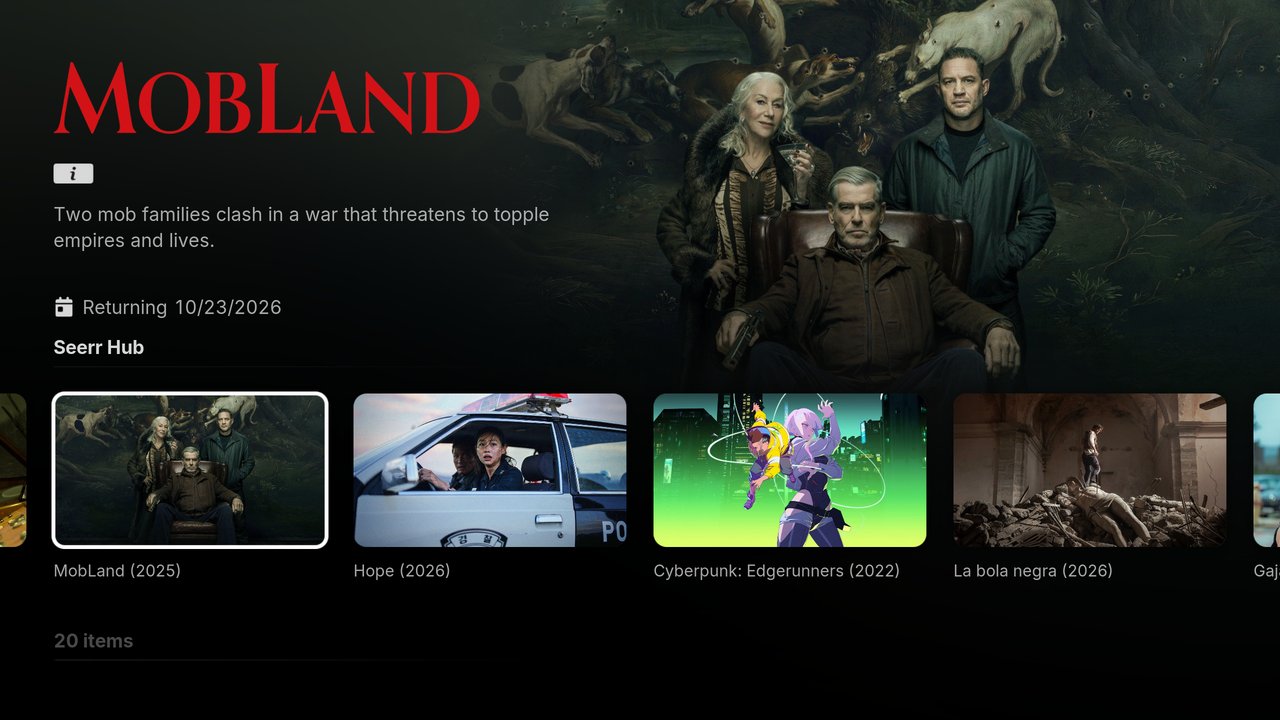
Seerr Hub
Search everything, open it in the right streaming app, play it from Plex / Jellyfin / Emby, or request it in Seerr. Read more on GitHub